Note organization and mobile note templates
Organize Notes into Folders and Documents
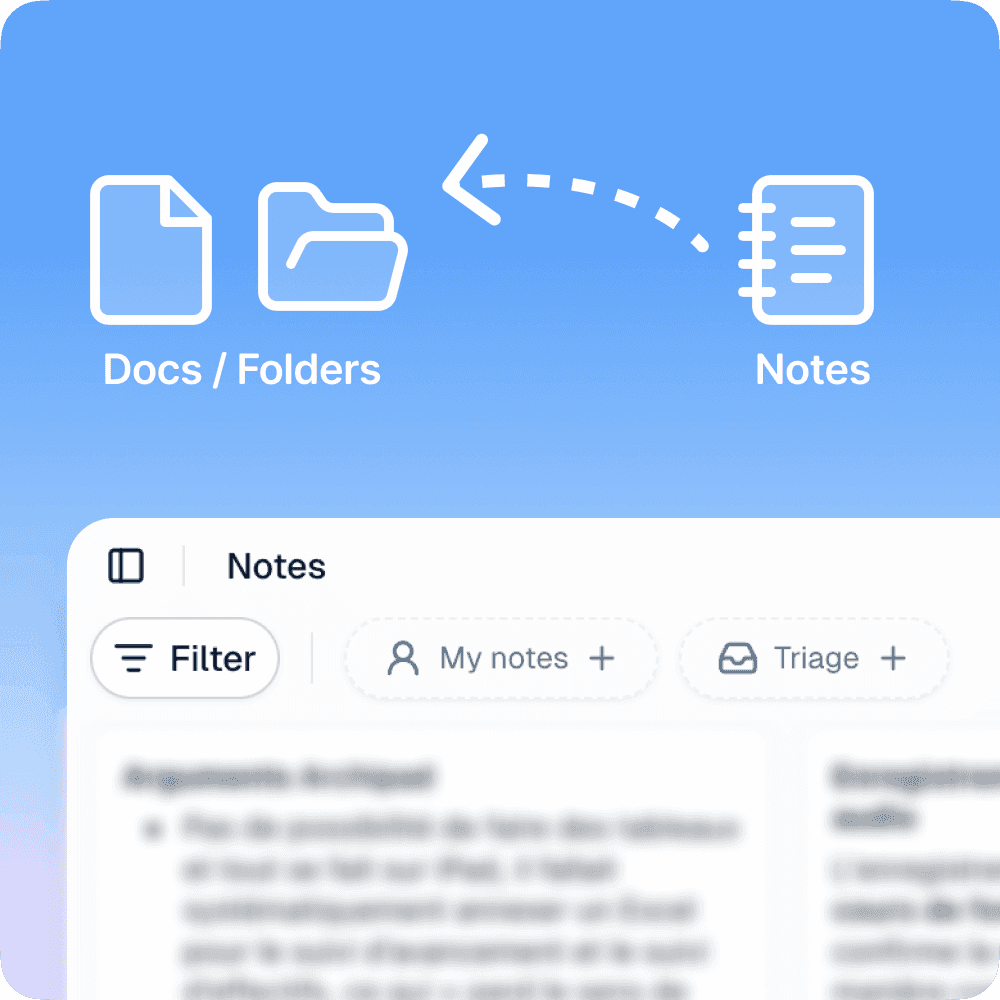
Organize your notes directly from the web interface. Use the "..." context menu on any note to attach it to a folder or document and keep your workspace structured.
New filters make it easier to find your notes: filter by folder, or use the Triage quick filter to surface notes that are not yet completed or not yet filed. Especially useful if you use notes as a collection area before producing a document — spot at a glance what still needs to be processed or organized.
Note Templates on Mobile
Set up your note templates from the organization settings, then select them directly on mobile before creating a note. Templates let you start with a predefined structure suited to your recurring workflows: reports, field visits, team meetings.
Improvements
Navigation – Account settings are now accessible from the navigation menu in the bottom left. The Support menu now includes a link to the documentation (docs.there.do), a support chat, and the status page
PDF export – Exported file names now reflect the document title for easier identification
AI menu – The AI menu now appears at a better default position within the document
Bug fixes
Fixed colors and formatting lost in emails received in Outlook
Fixed main title color in PDF exports, which could appear transparent or with an incorrect tint
Fixed empty task references showing in read-only shared documents
Fixed @mention in the author field of a quote block
Fixed block drag-and-drop on touchscreen devices
Fixed photos showing as errors after voice note generation
Fixed incorrect default status when creating certain tasks