Team spaces, new Guest role, and voice note template switching
Team spaces to organize your projects
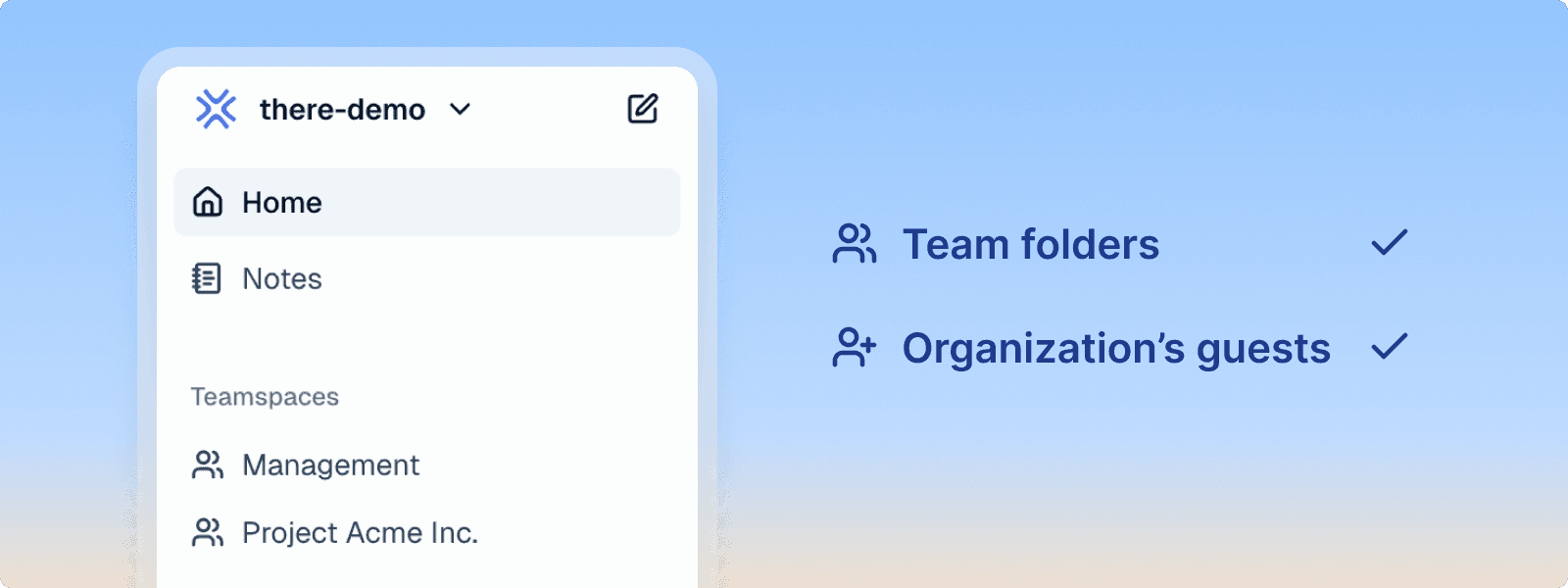
Create dedicated team spaces to better organize your documents by project. You can invite external collaborators directly into a space: they are automatically added with the new "Guest" role and have access only to that space and notes, without being able to see other organization documents.
Team spaces allow you to compartmentalize your projects, easily invite partners or external contractors, and move documents between spaces using the "Move to" function. This feature is available from the Business plan.
New Guest role with limited access
The new Guest role provides access only to notes, without access to organization documents. Guests create notes by default with organization visibility to facilitate retrieval by other members, while only being able to see their own notes and not those of other members.
This role is ideal for field collaborators who collect information via notes, while office team members draft final documents. Guests have a home screen tailored to their needs.
Voice note template switching
Easily switch between your different voice note templates from the web and mobile interface. You can now change templates at any time to adapt your voice note processing according to context.
The system offers an automatic retry mechanism in case of failure during audio processing. Available from the Team plan.
Improvements
Invitation emails – Complete French translation of organization invitation and authentication emails
Automatic name and logo – Automatic retrieval of company name and logo when creating an organization
Header and footer – Texts now use a neutral gray color for better readability, compatible with dark mode
PDF export – Improved logo quality in headers and footers
PDF export – Removal of yellow comment highlights during export
Completion block – Title now uses bold paragraph instead of heading 3, preventing its appearance in the table of contents
Callout block – Color selection menu now scrollable to access all colors
Customizable corners – Option to adjust corner radius of callout blocks and gallery images according to your design preferences
Filter by creator – Ability to filter notes by their creator in the list
Voice notes – Status indicator visible during processing to prevent users from closing the app prematurely
Bug fixes
Fixed copy-paste text between tasks that duplicated the entire line instead of pasting only the text
Resolved issue where notes panel disappeared when filtering next to a document
Fixed public note sharing that displayed original version instead of AI-enhanced version
Fixed loss of title colors during PDF export after forced sync
Resolved "Invalid recipient" error bug when sharing documents by email
Fixed suite creation that deleted unfinished tasks when content was out of sync