Email signatures, task archiving, and export improvements
Custom email signature
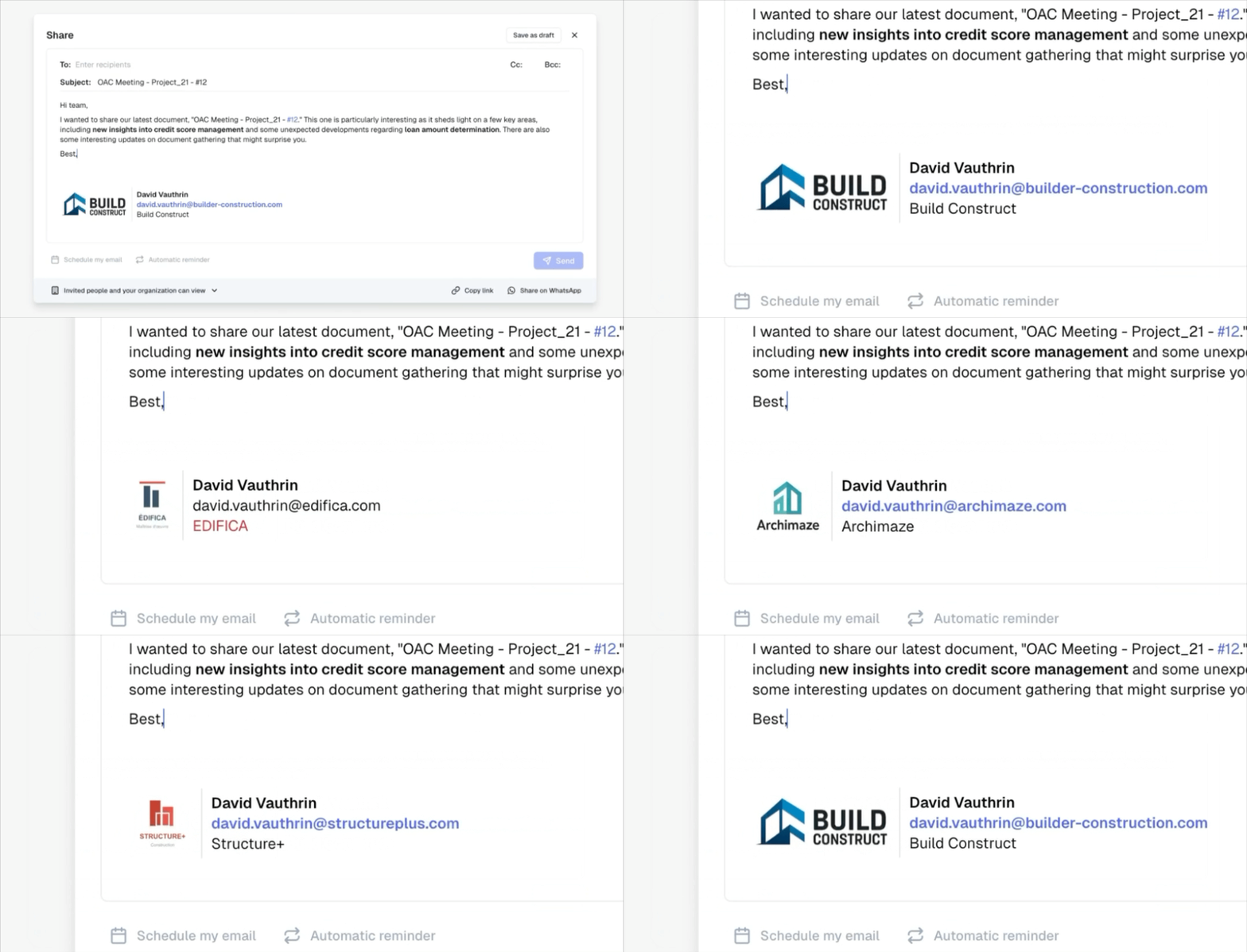
Personalize your sharing emails with a professional signature. Create your signature in the organization settings with your contact information, company logo, and details. Your signature will be automatically applied when sharing documents by email.
The signature can be modified at any time when you share a document, and changes are automatically saved. A reset button allows you to quickly return to default values. This feature is available starting from the Pro plan.
Archive completed tasks
Keep your documents organized by hiding completed tasks. When duplicating a document, archived tasks remain hidden by default, allowing you to start fresh while preserving the complete history.
You can display archived tasks or unarchive them at any time in case of error. Archiving improves readability without losing any information.
Improvements
Color palette – Added white and black to color options for text and highlighting, with new opacity variations
Organization interface – Display of current plan and member count directly under the organization name, with quick access to settings and member invitation
Progress block – Group mentions (@group) now appear correctly when copying and pasting to Excel
Bug fixes
Fixed timeouts and incomplete pdf exports. Large documents now generate correctly without content loss
Fixed photo import on iOS 16 in the mobile app
Fixed display issue with blocks containing popups (tables, callouts, meeting blocks) on mobile
Fixed callout border display at the top of the page in PDF exports
Fixed callout colors that weren't displaying with the correct shades