Highlight updates in next documents, access to Pro features, and GPT-5.1 support
Create next to identify new content
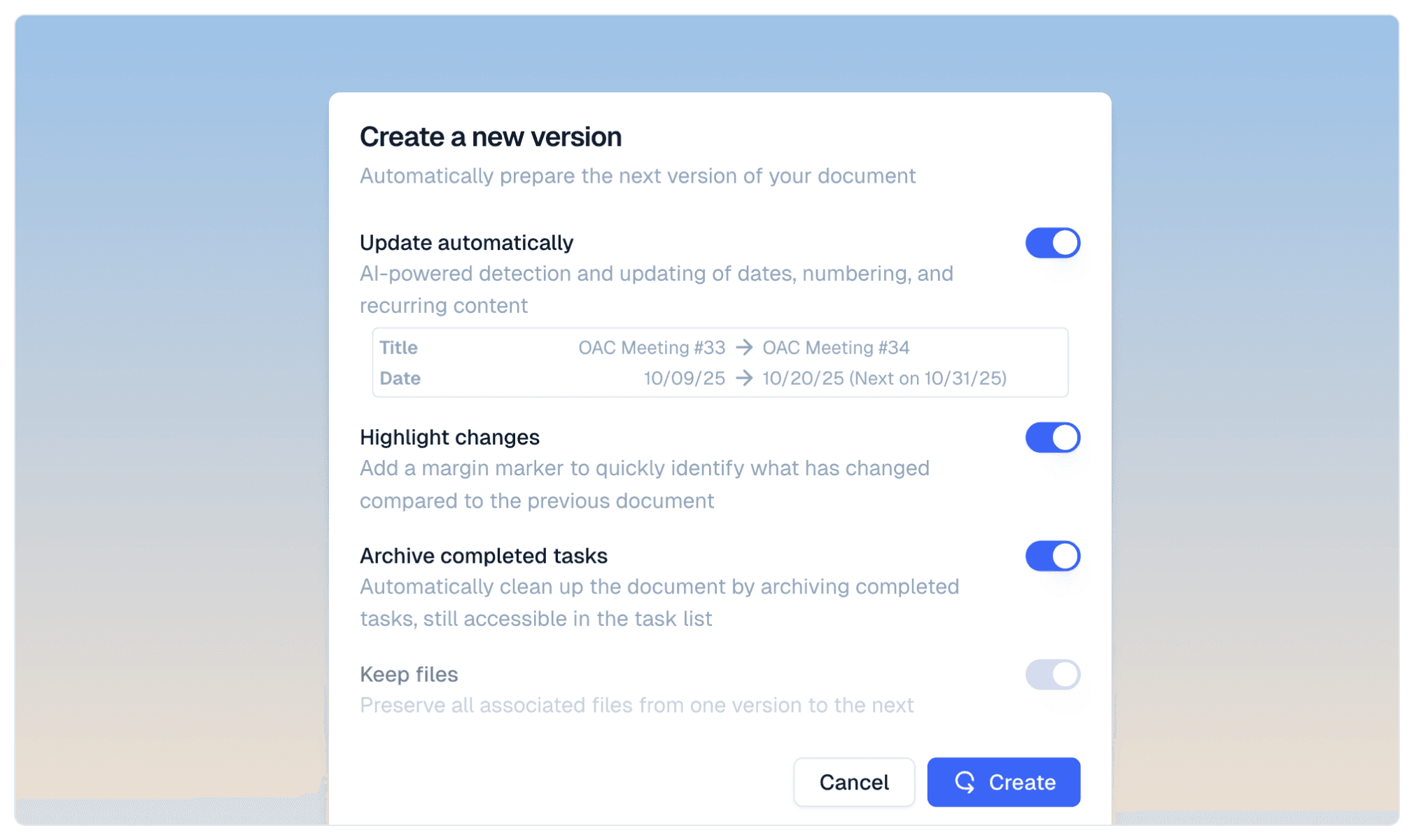
When creating a next document, newly added content is automatically highlighted. Unlike a standard duplication, this feature makes it easy to identify changes between two versions.
The highlighting system allows readers to immediately spot what has been added or modified, particularly useful for successive meeting reports or progress updates.
Experience Pro features for 2 weeks
Discover all Pro plan features for 2 weeks from your organization creation date. This trial period lets you explore complete brand customization with your custom colors and fonts, document header and footer configuration, professional signature addition when sending emails, and AI model selection tailored to your needs.
After 2 weeks, you decide if these advanced features match your usage. Without a subscription, your account automatically switches to the free plan.
GPT-5.1 support
there.do now integrates OpenAI's GPT-5.1 for improved content generation. Pro plan users can select this new model in their AI settings.
Improvements
Easier table navigation: the Enter key moves to the next cell and automatically creates a new row when needed
Automatic date detection and conversion by AI in tables and task blocks
Mention of @ command in empty line placeholder to facilitate block insertion
New ratio options for image galleries: added Landscape (4:3) and Wide (1.85:1) formats
Bug fixes
Fixed style menus that overflowed without scrolling possibility on small screens
Fixed missing note title when selecting highlighted text
Fixed display of + button and drag handle on touchscreen devices